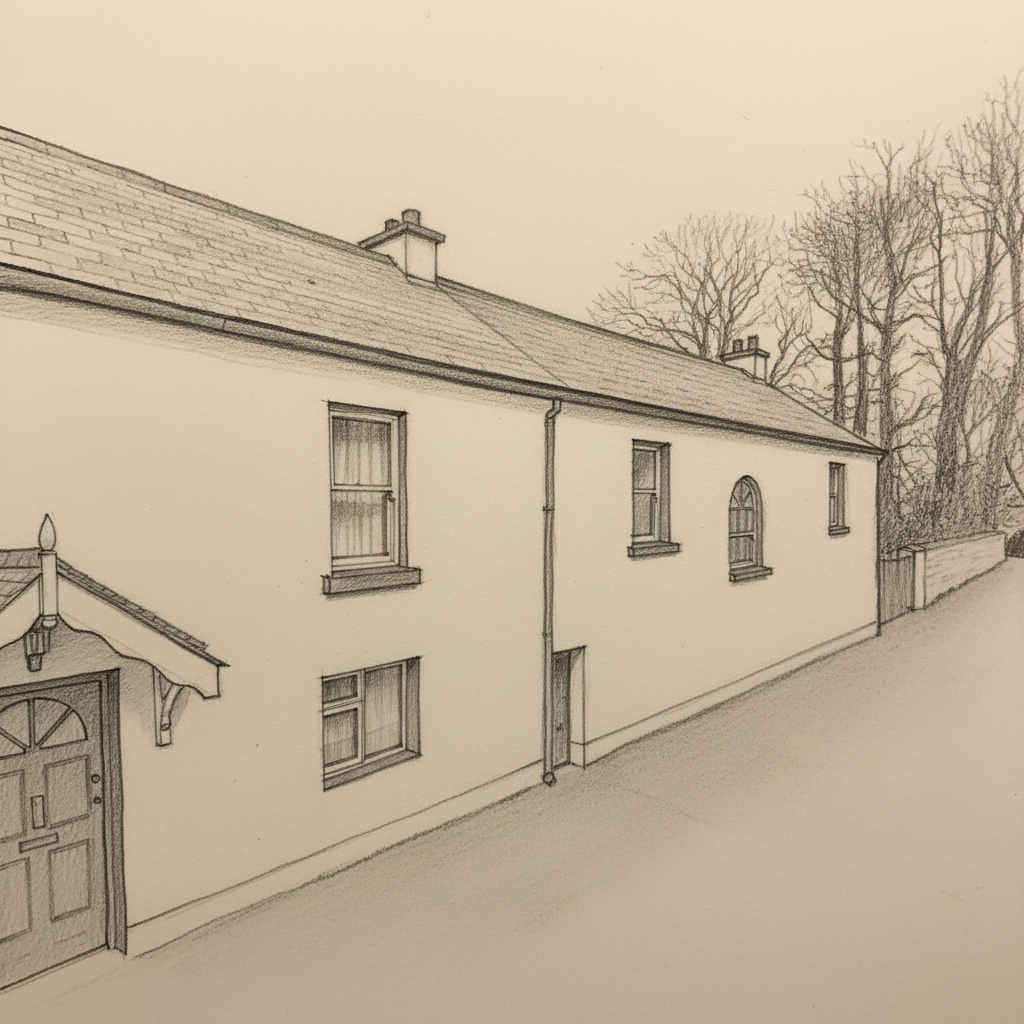
At a glance
- Upload JPEG, PNG or WEBP
- Preview before you pay
- Order the approved sketch framed or digital
Use the angle that actually feels like home
Your own image lets you choose the front elevation, garden approach or side perspective the recipient will recognise immediately.
What makes a stronger source photo
- Keep the roofline and main frontage visible
- Use soft daylight where possible
- Avoid tight crops around doors, steps and boundary walls
- Use the clearest, highest-resolution image you have
Not sure the photo is good enough?
Start with it anyway. The preview lets you judge the result before payment. If the view is poor, the address route may provide a cleaner alternative.
Choose the route that matches what you need
Do not have a usable source image? Try the Eircode, postcode or address route. For better source images, use the house photo guide, then see how the finished artwork works as a framed house portrait.
Framed order
See the price, delivery and timing before you pay.
Approve the watermarked preview first. At frame selection you can choose destination and currency, see the live delivery charge, delivered total and estimated arrival, then continue to secure checkout.
- EUR pricing for Ireland and GBP pricing for the UK
- Live delivery charge and estimated arrival before checkout
- Three black-frame sizes after preview approval
- Damaged or incorrect orders are covered by the replacement and refund policy
Frequently asked questions
What file types can I upload?
JPEG, PNG and WEBP are supported.
Can I see the artwork before ordering?
Yes. You see a watermarked preview before choosing framed or digital.
Can a photo-based sketch be framed?
Yes. Photo-based previews use the same framed checkout flow.
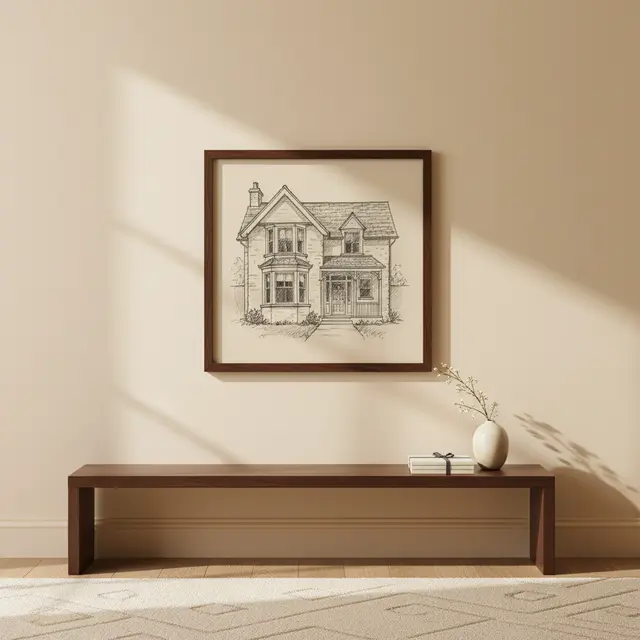
Framed presentation
See how the finished framed piece is presented
Ready to see the house as a sketch?
Start with the address or upload a property photo. Review the preview before deciding what to buy.
Start the free preview